
Find Buyers

Generate Help Center Content

Generate Help Center Content

Help content that reduces support load and shortens time-to-value for new customers.

Help content that reduces support load and shortens time-to-value for new customers.

reduction in support ticket volume when documentation coverage for the top 20 recurring questions is complete and up to date.

reduction in support ticket volume when documentation coverage for the top 20 recurring questions is complete and up to date.

THE brıef

Help centers are typically built reactively — articles get written when a support ticket comes in, then stay static until someone notices they're outdated. The agent builds a proactive help center strategy: identifying coverage gaps before they become support tickets, writing clear step-by-step documentation that non-technical users can follow, and maintaining content freshness as the product evolves. Good help content reduces support costs, improves product adoption, and shortens the path from signup to first value.
Audits support tickets to identify documentation gaps

The agent analyzes incoming support tickets and chat logs to identify recurring questions, workflow gaps, and feature confusion that indicate missing or inadequate documentation. When 15 tickets in a month ask the same question about a specific workflow, the answer doesn't belong in email threads — it belongs in a help center article. The audit surfaces the specific questions by frequency and user segment, prioritizes documentation needs by support volume and customer impact, and produces a gap report that drives the documentation roadmap.

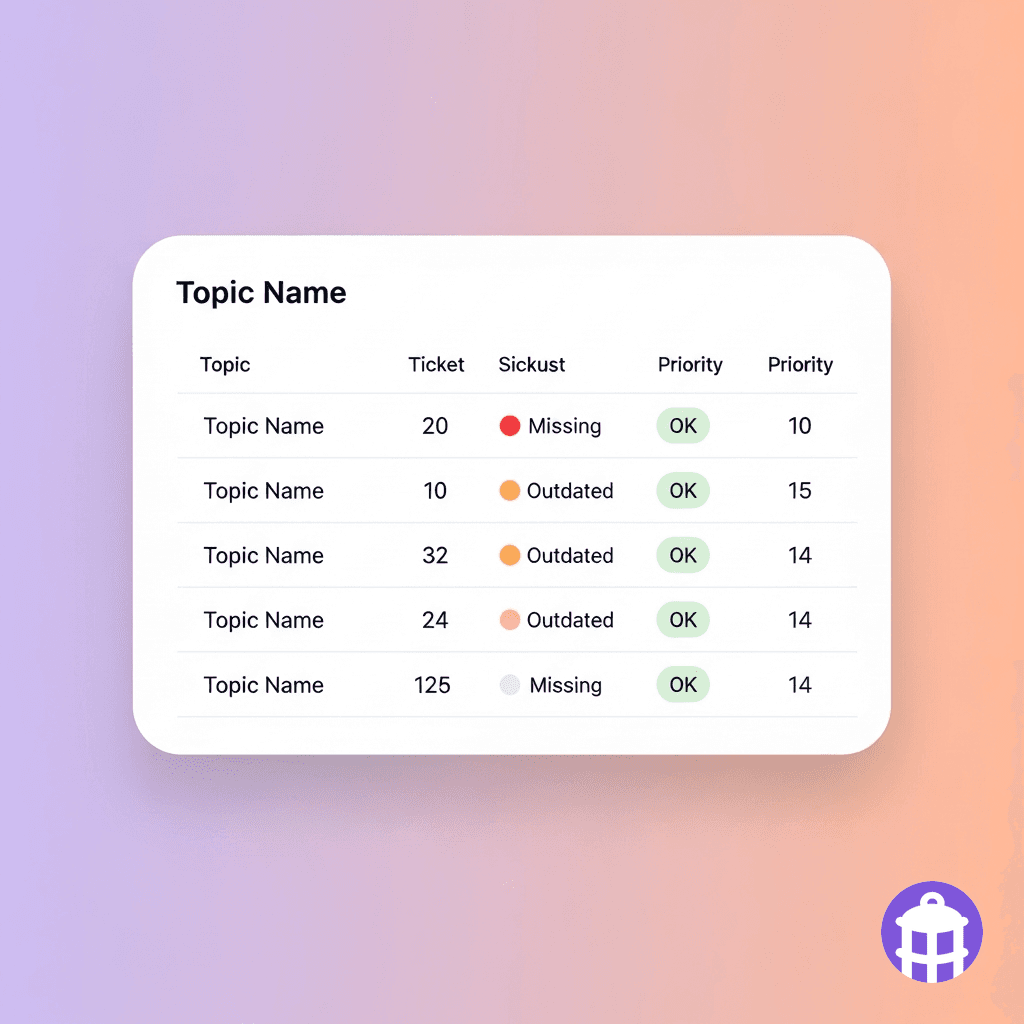
Documentation gap report: 23 tickets this month reference 'enrichment mapping setup.' No help article exists. 11 tickets on 'CRM sync rules' — article exists but is 14 months out of date. 8 tickets on advanced filtering — article needed.

Audits support tickets to identify documentation gaps

The agent analyzes incoming support tickets and chat logs to identify recurring questions, workflow gaps, and feature confusion that indicate missing or inadequate documentation. When 15 tickets in a month ask the same question about a specific workflow, the answer doesn't belong in email threads — it belongs in a help center article. The audit surfaces the specific questions by frequency and user segment, prioritizes documentation needs by support volume and customer impact, and produces a gap report that drives the documentation roadmap.

Documentation gap report: 23 tickets this month reference 'enrichment mapping setup.' No help article exists. 11 tickets on 'CRM sync rules' — article exists but is 14 months out of date. 8 tickets on advanced filtering — article needed.

Writes step-by-step documentation for non-technical users

Help articles fail when they're written by engineers for engineers — assuming technical vocabulary, skipping the 'obvious' steps that aren't obvious, and failing to explain why a step matters before describing how to do it. The agent writes documentation in plain language, structured as step-by-step instructions with a clear task objective at the top, numbered steps, expected screen state descriptions, and callouts for common errors. Screenshots are specified as briefs for the documentation team. The result is an article a new user can follow to complete a task without opening a support ticket.

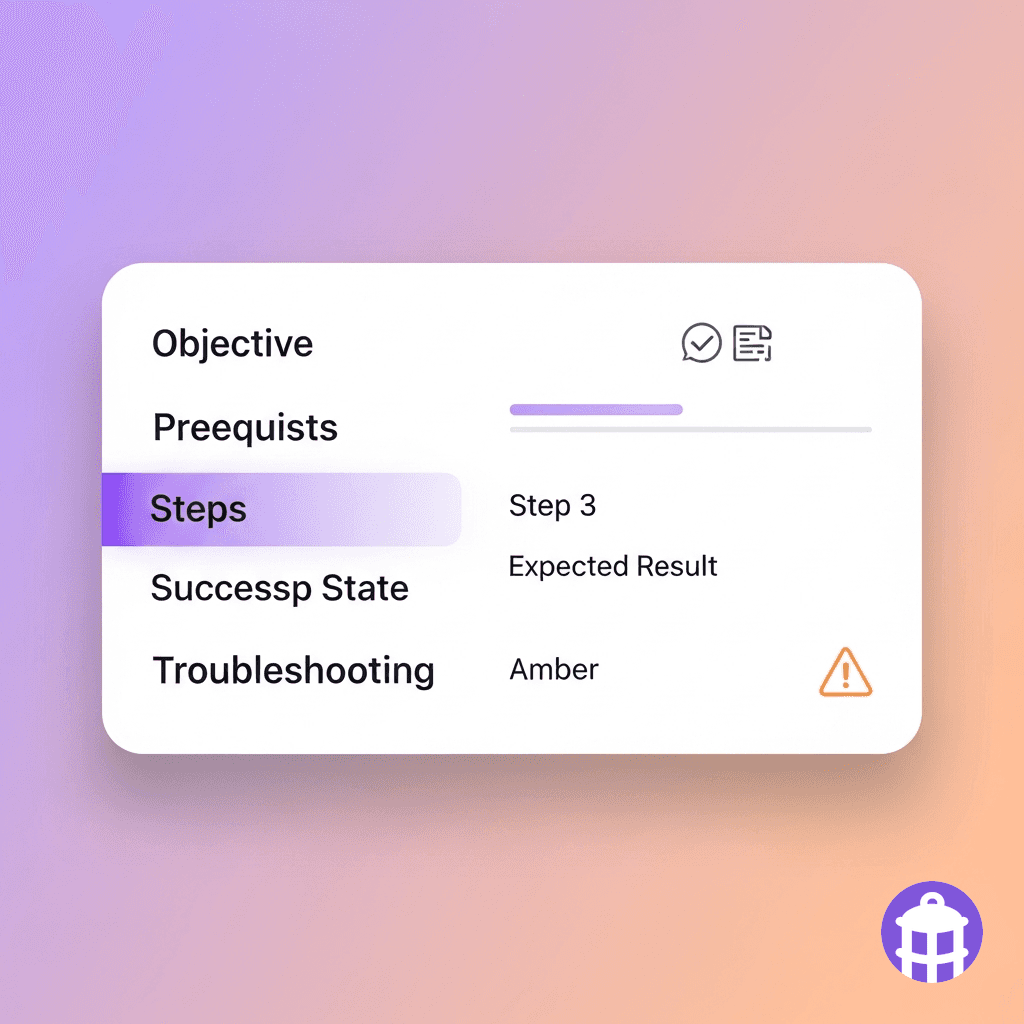
Article: 'Setting up enrichment field mapping.' Structure: Objective → Prerequisites (3 items) → Steps (7 numbered) → Success state ('You'll see a green confirmation banner') → Troubleshooting (2 common errors). 620 words.

Writes step-by-step documentation for non-technical users

Help articles fail when they're written by engineers for engineers — assuming technical vocabulary, skipping the 'obvious' steps that aren't obvious, and failing to explain why a step matters before describing how to do it. The agent writes documentation in plain language, structured as step-by-step instructions with a clear task objective at the top, numbered steps, expected screen state descriptions, and callouts for common errors. Screenshots are specified as briefs for the documentation team. The result is an article a new user can follow to complete a task without opening a support ticket.

Article: 'Setting up enrichment field mapping.' Structure: Objective → Prerequisites (3 items) → Steps (7 numbered) → Success state ('You'll see a green confirmation banner') → Troubleshooting (2 common errors). 620 words.

Structures the help center for findability and logical flow

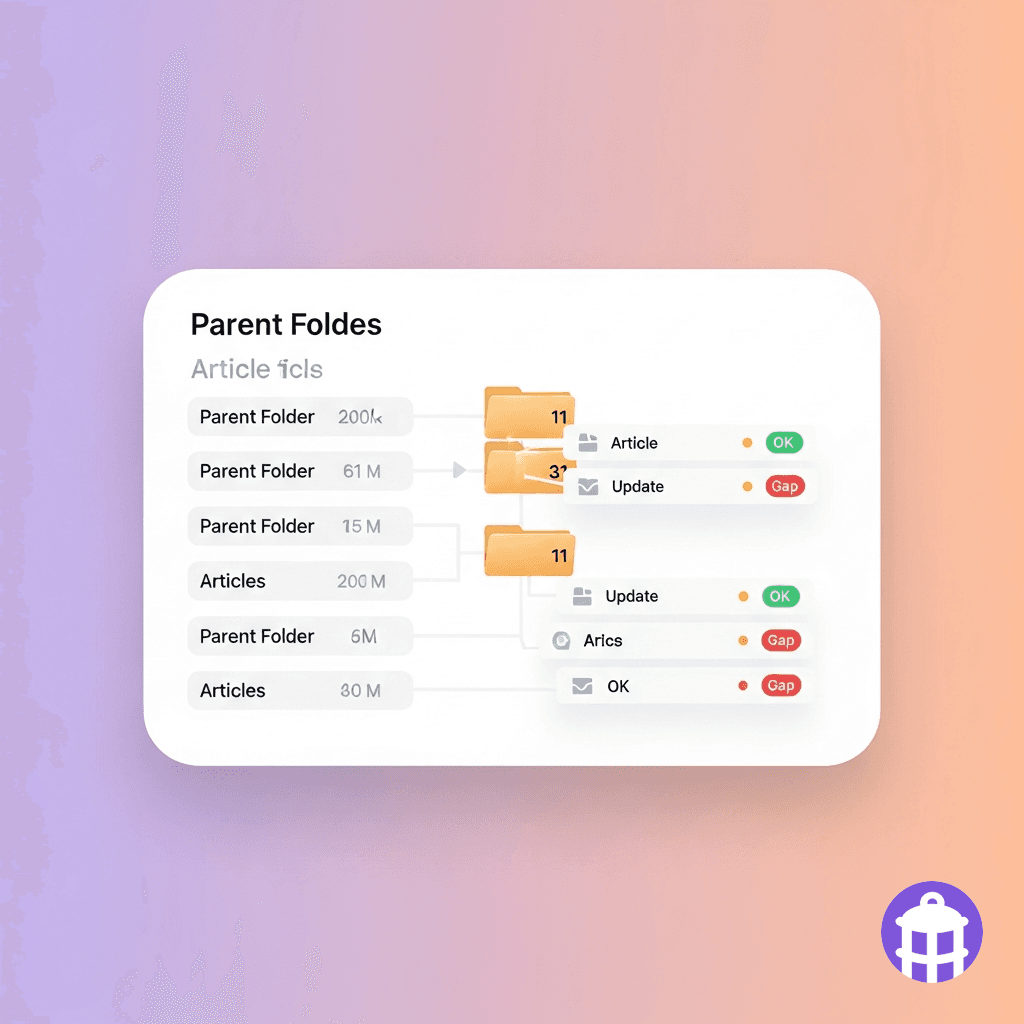
A help center with 200 articles is useless if users can't find what they're looking for. The agent structures the help center architecture: category taxonomy (Getting Started, Integrations, Advanced Configuration), article hierarchy within categories, and internal linking between related articles. It also optimizes article titles and summaries for search — both within the help center search and external search engines where 'how to [product task]' queries often resolve first to help center articles. The architecture is built for the user's mental model, not the internal product team's org chart.

Help center architecture: 6 top-level categories, 43 articles mapped and categorized. 12 articles need internal links added. 8 article titles rewritten for search match. 3 new category sections proposed.

Structures the help center for findability and logical flow

A help center with 200 articles is useless if users can't find what they're looking for. The agent structures the help center architecture: category taxonomy (Getting Started, Integrations, Advanced Configuration), article hierarchy within categories, and internal linking between related articles. It also optimizes article titles and summaries for search — both within the help center search and external search engines where 'how to [product task]' queries often resolve first to help center articles. The architecture is built for the user's mental model, not the internal product team's org chart.

Help center architecture: 6 top-level categories, 43 articles mapped and categorized. 12 articles need internal links added. 8 article titles rewritten for search match. 3 new category sections proposed.

Maintains article freshness as the product evolves

Help centers go stale when product releases aren't reflected in documentation. An article showing the old UI creates more confusion than no article at all. The agent connects to your product changelog or release notes and flags articles affected by recent changes: screenshots that no longer match, steps that have been restructured, or features that have been renamed or removed. Flagged articles surface with a specific update brief — what changed, which step or screenshot needs updating — so documentation stays current with product reality.

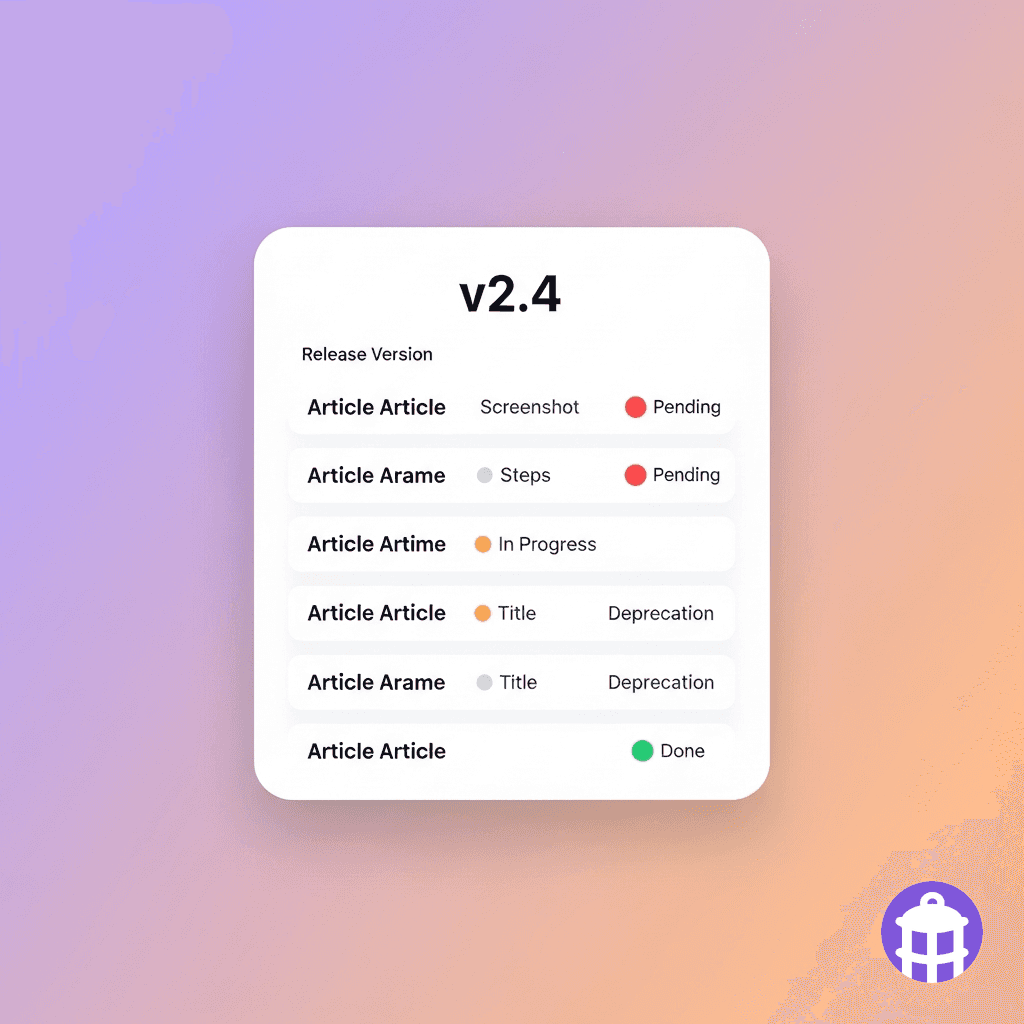
Release 2.4 impact: 7 articles flagged for update. 3 require new screenshots (UI changes). 2 require step restructure (workflow change). 1 requires title update (feature renamed). 1 requires deprecation notice (feature removed). Update queue ready.

Maintains article freshness as the product evolves

Help centers go stale when product releases aren't reflected in documentation. An article showing the old UI creates more confusion than no article at all. The agent connects to your product changelog or release notes and flags articles affected by recent changes: screenshots that no longer match, steps that have been restructured, or features that have been renamed or removed. Flagged articles surface with a specific update brief — what changed, which step or screenshot needs updating — so documentation stays current with product reality.

Release 2.4 impact: 7 articles flagged for update. 3 require new screenshots (UI changes). 2 require step restructure (workflow change). 1 requires title update (feature renamed). 1 requires deprecation notice (feature removed). Update queue ready.

Today vs. with

Today vs. with

Generate Help Center Content

Generate Help Center Content

Today

Help articles are written reactively when tickets come in and rarely updated — users encounter outdated UI instructions and file more tickets.

Help center structure follows the product team's internal categories — users can't find what they're looking for using their own vocabulary.

Product releases break existing documentation — screenshots mismatch, steps are wrong, features have been renamed — and no one catches it until users complain.

With ABM Strategist

Documentation gaps are identified proactively from ticket data, articles are written before the next support cycle, and release changes are flagged for immediate update.

Help center taxonomy and article titles are structured around the user's mental model and optimized for both in-app and external search.

Changelog monitoring flags affected articles automatically after every release, with specific update briefs ready for the documentation team.

Three layers, one platform by Lantern

Three layers, one platform by Lantern

Every agent runs on three layers: a unified data model, 150+ enrichment providers, and an open-source engine where every decision is auditable.

Every agent runs on three layers: a unified data model, 150+ enrichment providers, and an open-source engine where every decision is auditable.

Data Waterfall

150+ enrichment providers. Sequential routing optimized per segment. The best answer wins. No vendor lock-in.

Agent Engine

Open-source execution engine. Workflows defined in code. Human-in-the-loop checkpoints. Full audit trail on every action.
Revenue Ontology

Every data source normalized into one model. Entity resolution across systems. Relationships stored, not inferred. Schema that evolves with your business.

FAQ

FAQ

Which help center platforms does it integrate with?

Can it handle documentation for API endpoints and developer integrations?

How does it handle localization for non-English markets?

Who owns the documentation review process — product, marketing, or support?

Good documentation reduces support load, accelerates adoption, and compounds as the product grows. Build it before the tickets do.

Good documentation reduces support load, accelerates adoption, and compounds as the product grows. Build it before the tickets do.

USE CASES

Revenue Team

Marketing Team

Customer Success

PRICING

Pricing

RESOURCES

Blog

About Lantern

Status

Support

© LANTERN 2025

Terms

Privacy

Linkedin

USE CASES

Revenue Team

Marketing Team

Customer Success

PRICING

Pricing

RESOURCES

Blog

About Lantern

Status

Support

© LANTERN 2025

Terms

Privacy

Linkedin

USE CASES

Revenue Team

Marketing Team

Customer Success

PRICING

Pricing

RESOURCES

Blog

About Lantern

Status

Support

© LANTERN 2025

Terms

Privacy

Linkedin