
Grow Customers

Personalize Lifecycle Emails

Personalize Lifecycle Emails

Every customer gets the email that's right for where they are — not where the calendar is.

Every customer gets the email that's right for where they are — not where the calendar is.

higher feature adoption rate for customers who received behavior-triggered lifecycle emails vs. fixed-schedule drip sequences.

higher feature adoption rate for customers who received behavior-triggered lifecycle emails vs. fixed-schedule drip sequences.

THE brıef

Lifecycle emails are only as good as the triggers that send them. Most SaaS companies send the same onboarding sequence to every customer on the same day schedule — regardless of whether they've completed setup, whether they're a power user or barely logging in, or whether they're a solo operator or a 50-person team. The Personalize Lifecycle Emails agent replaces static sequences with behavior-driven, persona-calibrated messages that trigger based on what each customer is actually doing in the product.
Maps lifecycle stages to behavioral milestones, not time intervals

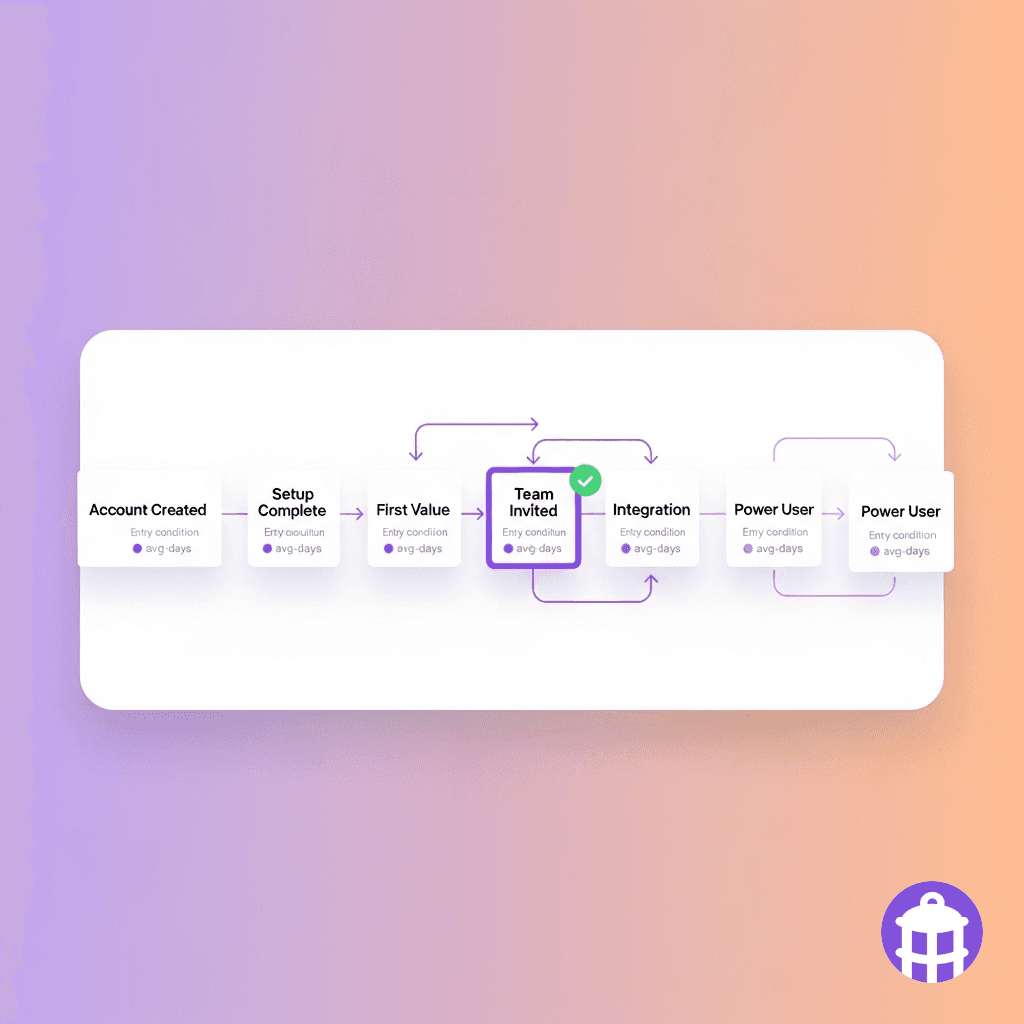
A day-10 email to a customer who activated on day 2 and is already a power user is a waste of both parties' time. The agent defines lifecycle stages based on product milestones — account created, first key action completed, first team member invited, first workflow automated, integration connected — not arbitrary calendar intervals. Each stage has a defined entry condition based on product events, and customers move through stages when they hit the milestone, not when the clock runs out. A customer who completes onboarding in 3 days enters the activation stage in 3 days. A customer who stalls in setup after 7 days receives an intervention message, not the same day-7 email as the customer who's been active all week.

Lifecycle stage: Northgate Partners — entered 'Team Expansion' stage on Day 6 (milestone: 3rd team member invited). Triggered: team expansion email with seat upgrade framing. Previous stage avg for cohort: Day 14. Northgate is 8 days ahead — flagged as expansion candidate.

Maps lifecycle stages to behavioral milestones, not time intervals

A day-10 email to a customer who activated on day 2 and is already a power user is a waste of both parties' time. The agent defines lifecycle stages based on product milestones — account created, first key action completed, first team member invited, first workflow automated, integration connected — not arbitrary calendar intervals. Each stage has a defined entry condition based on product events, and customers move through stages when they hit the milestone, not when the clock runs out. A customer who completes onboarding in 3 days enters the activation stage in 3 days. A customer who stalls in setup after 7 days receives an intervention message, not the same day-7 email as the customer who's been active all week.

Lifecycle stage: Northgate Partners — entered 'Team Expansion' stage on Day 6 (milestone: 3rd team member invited). Triggered: team expansion email with seat upgrade framing. Previous stage avg for cohort: Day 14. Northgate is 8 days ahead — flagged as expansion candidate.

Personalizes content by role, industry, and use case

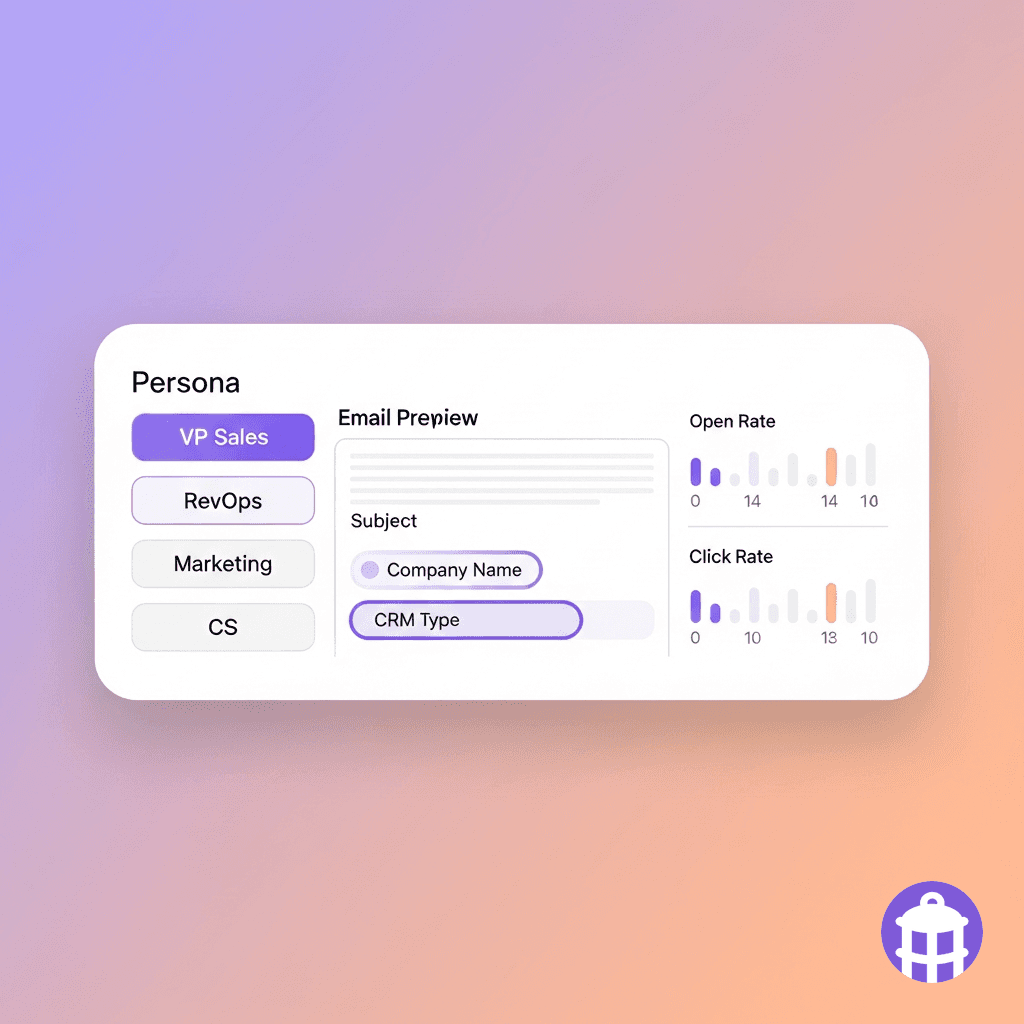
The same product feature means different things to a VP of Sales and a Marketing Operations Manager. The agent builds email variants for each key persona — differentiated by job function, use case, and industry — so the content each customer receives references their actual workflow, not a generic product description. A RevOps leader gets an email about CRM sync accuracy and reporting. A sales manager gets an email about rep performance visibility. A marketing leader gets an email about attribution and pipeline contribution. Personalization tokens pull from the CRM contact record — including company name, team size, CRM type, and integration status — so messages are specific without being scripted.

Activation email sent: Michael C., Director of RevOps, Catalyst Systems. Variant: RevOps — CRM accuracy angle. Subject: 'Your Salesforce sync is live — here's what to check next.' Body references: Catalyst's Salesforce integration (active), team size (12 reps), and links to RevOps-specific onboarding checklist.

Personalizes content by role, industry, and use case

The same product feature means different things to a VP of Sales and a Marketing Operations Manager. The agent builds email variants for each key persona — differentiated by job function, use case, and industry — so the content each customer receives references their actual workflow, not a generic product description. A RevOps leader gets an email about CRM sync accuracy and reporting. A sales manager gets an email about rep performance visibility. A marketing leader gets an email about attribution and pipeline contribution. Personalization tokens pull from the CRM contact record — including company name, team size, CRM type, and integration status — so messages are specific without being scripted.

Activation email sent: Michael C., Director of RevOps, Catalyst Systems. Variant: RevOps — CRM accuracy angle. Subject: 'Your Salesforce sync is live — here's what to check next.' Body references: Catalyst's Salesforce integration (active), team size (12 reps), and links to RevOps-specific onboarding checklist.

Triggers intervention messages when customers stall

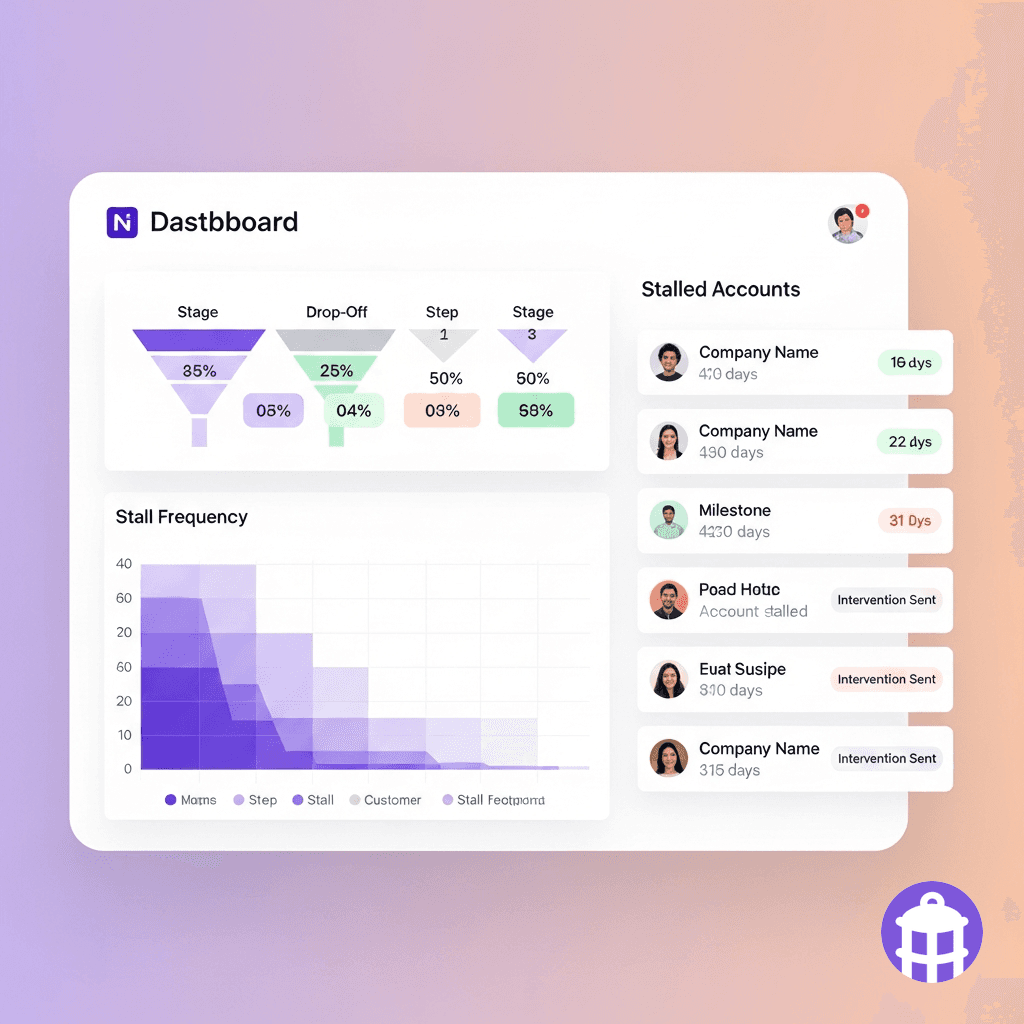
Stall points are predictable. Most SaaS products have 2–3 specific steps where a significant percentage of customers stop progressing — usually a technically complex setup step, an integration that requires IT, or a workflow that requires internal process change before it makes sense to use. The agent identifies these stall patterns by monitoring product event streams and comparing individual customer progress to cohort benchmarks. When a customer is behind the cohort average at a known stall point, an intervention message goes out: specific, instructional, and calibrated to the actual blocker — not a generic 'how can we help?' nudge. The intervention can include a direct link to a relevant doc, a calendar link for live onboarding help, or an escalation to the CSM.

Intervention triggered: Brightfield Analytics — stalled at integration setup, Day 9 (cohort avg: Day 4). Email sent: 'We noticed your data integration hasn't connected yet — this is usually a 15-minute step and the most common blocker is [X]. Here's how to fix it + a link to book time with our onboarding team if you'd prefer a walkthrough.'

Triggers intervention messages when customers stall

Stall points are predictable. Most SaaS products have 2–3 specific steps where a significant percentage of customers stop progressing — usually a technically complex setup step, an integration that requires IT, or a workflow that requires internal process change before it makes sense to use. The agent identifies these stall patterns by monitoring product event streams and comparing individual customer progress to cohort benchmarks. When a customer is behind the cohort average at a known stall point, an intervention message goes out: specific, instructional, and calibrated to the actual blocker — not a generic 'how can we help?' nudge. The intervention can include a direct link to a relevant doc, a calendar link for live onboarding help, or an escalation to the CSM.

Intervention triggered: Brightfield Analytics — stalled at integration setup, Day 9 (cohort avg: Day 4). Email sent: 'We noticed your data integration hasn't connected yet — this is usually a 15-minute step and the most common blocker is [X]. Here's how to fix it + a link to book time with our onboarding team if you'd prefer a walkthrough.'

Measures lifecycle email performance at the segment level

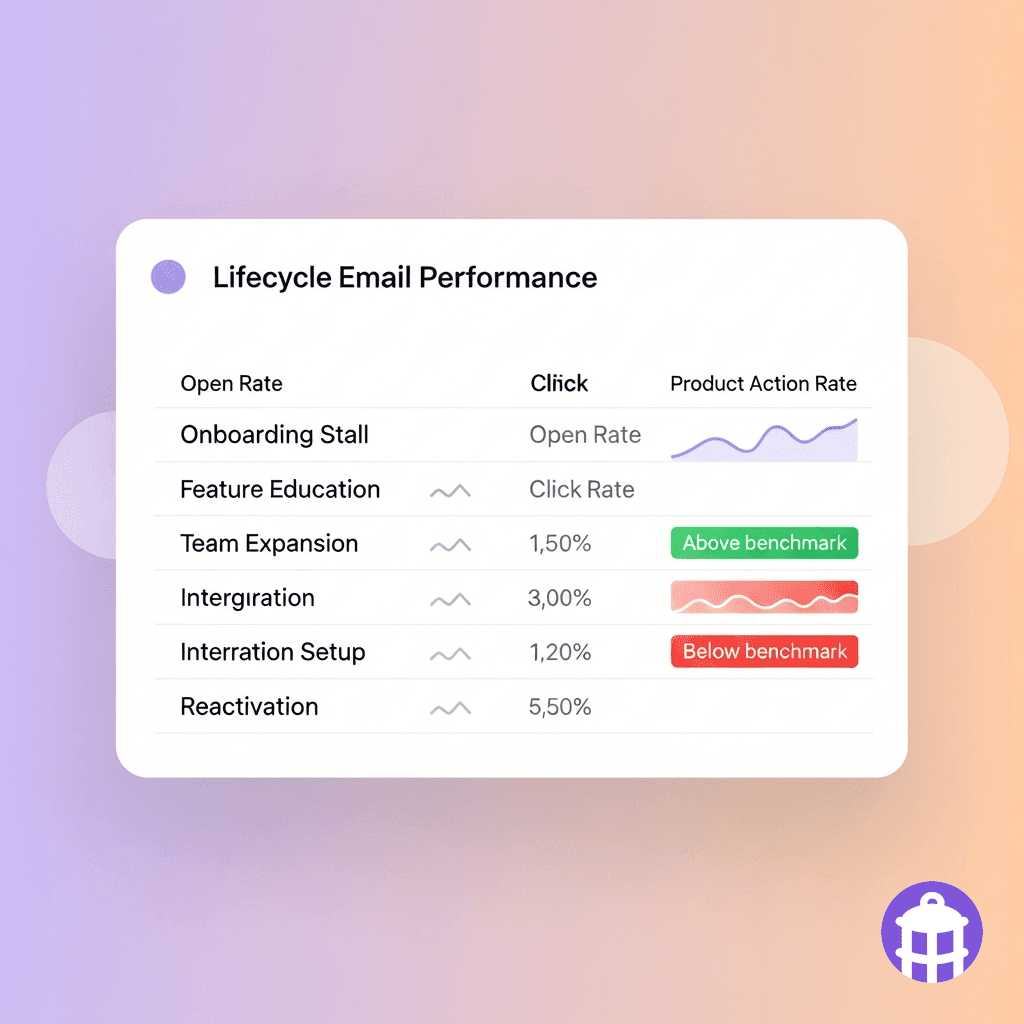
Email open rates don't tell you whether lifecycle emails are working — activation rates and time-to-value do. The agent tracks downstream product outcomes for every email in the lifecycle sequence: did customers who received a feature education email actually adopt that feature within 14 days? Did the expansion email generate expansion conversations? Did the intervention email reduce stall duration? Performance is cut by segment — persona, industry, cohort, CSM — so underperforming variants get replaced and the segments where lifecycle email drives the strongest product outcomes are identifiable. This moves lifecycle email from a marketing exercise to a measurable lever in the product adoption funnel.

Lifecycle email outcome report: Integration setup intervention email. Recipients: 84 accounts (stalled at integration step). Feature activated within 14 days: 61% of recipients vs. 29% control. CSM escalation rate reduced: -44%. Highest performing variant: RevOps persona, direct CTA to booking link.

Measures lifecycle email performance at the segment level

Email open rates don't tell you whether lifecycle emails are working — activation rates and time-to-value do. The agent tracks downstream product outcomes for every email in the lifecycle sequence: did customers who received a feature education email actually adopt that feature within 14 days? Did the expansion email generate expansion conversations? Did the intervention email reduce stall duration? Performance is cut by segment — persona, industry, cohort, CSM — so underperforming variants get replaced and the segments where lifecycle email drives the strongest product outcomes are identifiable. This moves lifecycle email from a marketing exercise to a measurable lever in the product adoption funnel.

Lifecycle email outcome report: Integration setup intervention email. Recipients: 84 accounts (stalled at integration step). Feature activated within 14 days: 61% of recipients vs. 29% control. CSM escalation rate reduced: -44%. Highest performing variant: RevOps persona, direct CTA to booking link.

Today vs. with

Today vs. with

Personalize Lifecycle Emails

Personalize Lifecycle Emails

Today

Every customer gets the same onboarding email on day 1, day 3, day 7 — regardless of what they've done in the product.

A RevOps leader and a sales manager at the same company get the same generic product education email.

Stalled customers get the same next drip email as active customers — the intervention moment passes.

With ABM Strategist

Emails trigger when customers hit milestones or stall — so a day-3 power user and a day-10 stalled account get completely different messages.

Content is variant-matched to persona — the RevOps leader sees CRM accuracy framing, the sales manager sees rep performance visibility.

Stall patterns are detected against cohort benchmarks and intervention messages go out automatically at the blocker step.

Three layers, one platform by Lantern

Three layers, one platform by Lantern

Every agent runs on three layers: a unified data model, 150+ enrichment providers, and an open-source engine where every decision is auditable.

Every agent runs on three layers: a unified data model, 150+ enrichment providers, and an open-source engine where every decision is auditable.

Data Waterfall

150+ enrichment providers. Sequential routing optimized per segment. The best answer wins. No vendor lock-in.

Agent Engine

Open-source execution engine. Workflows defined in code. Human-in-the-loop checkpoints. Full audit trail on every action.
Revenue Ontology

Every data source normalized into one model. Entity resolution across systems. Relationships stored, not inferred. Schema that evolves with your business.

FAQ

FAQ

What email platforms does this integrate with?

How many persona variants do we need to build?

How does it handle customers who use the product across multiple team members with different roles?

Does this replace our current onboarding email series?

The right email at the right time is a product decision, not a marketing calendar.

The right email at the right time is a product decision, not a marketing calendar.

USE CASES

Revenue Team

Marketing Team

Customer Success

PRICING

Pricing

RESOURCES

Blog

About Lantern

Status

Support

© LANTERN 2025

Terms

Privacy

Linkedin

USE CASES

Revenue Team

Marketing Team

Customer Success

PRICING

Pricing

RESOURCES

Blog

About Lantern

Status

Support

© LANTERN 2025

Terms

Privacy

Linkedin

USE CASES

Revenue Team

Marketing Team

Customer Success

PRICING

Pricing

RESOURCES

Blog

About Lantern

Status

Support

© LANTERN 2025

Terms

Privacy

Linkedin